Custom Variables: Personalize Your AI Interviews at Scale
Learn how custom variables let you tailor AI-powered expert interviews for different research projects, companies, and industries—without rebuilding your agent prompts each time.
InsightAgent Team
January 21, 2026
Every research project is different. The company you're investigating, the industry context, the specific angles you want to explore—these details shape how your expert conversations should unfold.
Until now, customizing AI interview agents meant editing prompts for each project. That approach works for a handful of interviews, but it doesn't scale. And it introduces risk: a hurried edit might break something that was working.
Custom Variables change this equation entirely.
The Problem with One-Size-Fits-All Prompts
Consider a typical due diligence workflow. Your team might conduct expert interviews across:
- Multiple target companies: Each with different products, competitors, and market dynamics
- Various industries: Healthcare behaves differently than SaaS, which differs from manufacturing
- Different research angles: Customer sentiment, competitive positioning, operational efficiency, regulatory landscape
A single AI agent prompt can't effectively handle all these variations. You end up with generic questions that miss project-specific nuances, or you constantly edit prompts—introducing delays and potential errors.
How Custom Variables Work
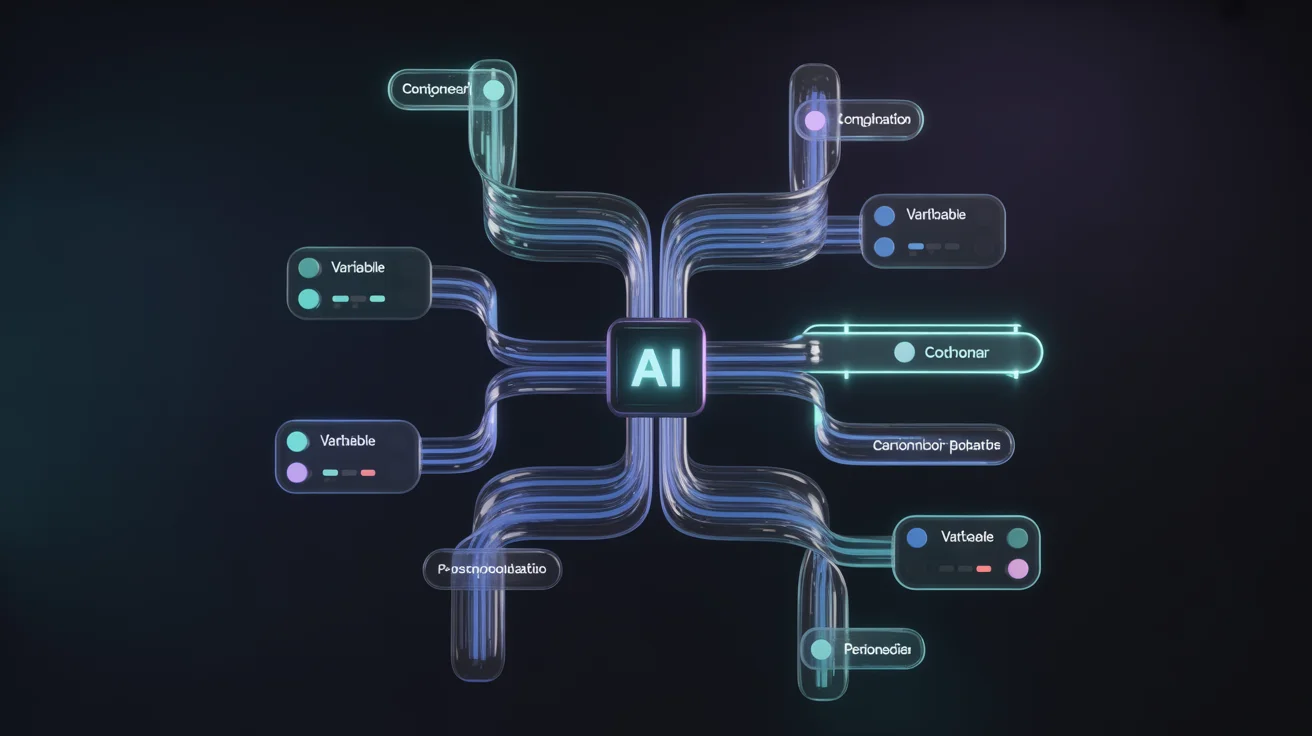
Custom Variables let you create placeholders in your agent prompts that get filled in differently for each interview. Think of them as fields in a template.
In Your Prompt
You are conducting due diligence research on {{company_name}}.

COMPANY CONTEXT:
{{company_background}}

RESEARCH FOCUS:
Explore {{research_focus}} with particular attention to:
- Market position relative to {{competitor_list}}
- {{industry_context}}

QUESTIONS:
{{questions_list}}
For Each Interview
When you create an interview, you fill in the variables with project-specific details:
Interview 1: Enterprise SaaS Due Diligence
company_name: Acme Corp
company_background: B2B SaaS, $50M ARR, Series C
research_focus: Customer retention and NPS
competitor_list: Salesforce, HubSpot
industry_context: Enterprise software buying cycles
Interview 2: Fintech Startup Evaluation
company_name: TechStart Inc
company_background: Early-stage fintech, pre-revenue
research_focus: Product-market fit validation
competitor_list: Stripe, Square
industry_context: Regulatory requirements for payment processing
Same agent. Same underlying prompt structure. Completely different interview contexts.
Real-World Use Cases
Multi-Target Due Diligence
Private equity firms evaluating multiple acquisition targets can use the same agent framework across deals:
Required Variables:
target_company- Company being evaluateddeal_thesis- Investment hypothesis to validate
Optional Variables (with defaults):
valuation_context- Defaults to "growth-stage private company"key_concerns- Defaults to "market position, unit economics, management quality"
Each deal team fills in target-specific details while the core interview methodology stays consistent.
Sector-Specific Research
Hedge funds covering multiple sectors can create sector-aware agents:
For Healthcare:
industry_context: "FDA approval timelines, reimbursement dynamics, clinical trial phases"
regulatory_focus: "Medicare/Medicaid implications, HIPAA considerations"
For Technology:
industry_context: "Cloud migration trends, enterprise adoption cycles, developer ecosystem"
regulatory_focus: "Data privacy regulations, antitrust considerations"
The AI adapts its questions and follow-ups based on sector-specific context.
Client-Specific Engagement
Consulting firms serving multiple clients can customize while maintaining methodology:
Required:
client_name- For appropriate confidentiality framingengagement_scope- What the client is trying to learn
Optional:
client_industry- Helps frame industry-relevant follow-upsprior_findings- Context from earlier research phases
Geographic Expansion Research
Companies exploring new markets can tailor interviews by region:
target_market: "Southeast Asia"
local_context: "Mobile-first consumers, fragmented distribution, diverse regulatory environments across countries"
competitive_landscape: "Local champions like Grab and Gojek, plus global players adapting to regional preferences"
Required vs Optional: Getting the Balance Right
Custom Variables can be marked as required or optional, which determines the interview creation workflow.
Required Variables
Mark a variable as required when the AI genuinely can't conduct an effective interview without it.
Good candidates for required:
- Target company name (essential for framing)
- Core research question (defines the interview purpose)
- Compliance context (necessary for legal reasons)
Signs you've over-required:
- Interviewers leave fields blank or enter placeholder text
- The AI performs fine even with generic values
- You're requiring information that's "nice to have" rather than essential
Optional Variables with Defaults
Optional variables with sensible defaults give flexibility without friction.
Example:
Variable: interview_style
Default: "conversational and exploratory"
Override when needed: "direct and structured" or "technical deep-dive"
The AI uses the default unless someone has a reason to change it. Most interviews proceed without extra input; special cases get customization.
The Right Mix
A well-designed agent might have:
- 2-3 required variables: The essential context every interview needs
- 3-5 optional variables: Useful customizations with reasonable defaults
More than that suggests the agent is trying to do too much. Consider splitting into multiple specialized agents instead.
Maintaining Consistency Across Your Team
One challenge with customization is ensuring consistency. Custom Variables help here too.
Standardized Vocabulary
By defining variables at the account level, you establish shared terminology:
- Everyone uses
target_company(notcompany,firm,target, ororganization) research_focusmeans the same thing across all interviewers- New team members learn the standard approach through the variable definitions
Enforced Completeness
Required variables ensure critical information isn't skipped:
- No interview goes out without proper company context
- Compliance disclaimers are always included
- Research objectives are always documented
Audit Trail
Variable values are stored with each interview, creating a record of:
- What context the AI was given
- How that interview differed from others
- Why certain approaches were taken
Best Practices
After working with teams implementing Custom Variables, several patterns emerge.
Start Simple
Begin with one or two required variables for your most common use case. Add complexity only when you have clear evidence it's needed.
Week 1: company_name (required)
Month 1: Add research_focus (required) and industry_context (optional with default)
Quarter 1: Evaluate whether additional variables would improve outcomes
Write Good Descriptions
Each variable should have a clear description explaining:
- What information to provide
- How the AI will use it
- Examples of good inputs
Poor description: "Company background"
Better description: "2-3 sentences about the company: what they do, approximate size/stage, and any relevant recent news. Example: 'B2B SaaS company providing HR software, ~200 employees, recently raised Series B, expanding into enterprise market.'"
Test with Edge Cases
Before rolling out a new variable:
- Run test interviews with typical values
- Run test interviews with unusual values
- Run test interviews with minimal values (for optional variables)
- Verify the AI handles all cases appropriately
Review and Refine
Periodically review how variables are being used:
- Are required variables always meaningful, or do people enter boilerplate?
- Are optional variables actually getting customized?
- Do defaults still make sense given how interviews are going?
Getting Started
Custom Variables are available now in InsightAgent. To begin:
- Navigate to Settings → Variables to define your account's variables
- Link variables to agents by referencing them in your agent prompts using
{{variable_name}}syntax - Create interviews and fill in variable values as part of the interview setup
For detailed instructions, see our Custom Variables documentation.
What's Next
Custom Variables are the foundation for increasingly sophisticated interview customization. Coming soon:
- Variable templates: Save and reuse common variable combinations
- Conditional logic: Show different questions based on variable values
- Variable analytics: See which variable configurations produce the best outcomes
We're building toward a future where every expert conversation is precisely tailored to its research context—without requiring manual prompt engineering for each interview.
Ready to personalize your AI interviews? Get started with InsightAgent or schedule a demo to see Custom Variables in action.
Related Articles
Introducing Adaptive Interviews: One Pipeline, Every Expert
A single interview pipeline that adapts to who is actually on the call — role-aware questioning, your own pre-call screening as a gate, one call instead of two, native-language coverage. Configuration only.
ProductIntroducing Custom Vocabularies: Accurate Expert Interview Transcripts
New feature dramatically improves transcription accuracy for technical terms, company names, and industry jargon in expert interviews.
ProductIntroducing Live Observation: Watch Your AI Interviews Unfold in Real Time
Live Observation gives you real-time visibility into every AI-conducted interview. See the conversation as it happens, build trust in your AI agents, and never wonder what was said on the call.
Expert NetworksAlphaSense vs Tegus (2026): They're the Same Platform Now
AlphaSense acquired Tegus in 2024. Here's what that means in practice — how the Tegus transcript library differs from the wider AlphaSense document-search environment, and which to reach for.
Expert NetworksDialectica vs GLG (2026): Recruiter-Led vs Database-First
Dialectica and GLG both broker expert access but source it differently — fresh recruitment per project versus a global expert database. How they compare on vetting, lead time, and pricing, and what AI-moderated calls change.
Ready to transform your expert interviews?
See how InsightAgent can help your team capture better insights with less effort.
Learn More